WhatsApp Desktop
WhatsApp for PC is the most popular web app that helps you end-to-end encryption chat and audio/video calls.


Viber for PC is one of the most popular instant messaging and calling platforms to enable users to send and receive messages, make audio/video calls, and share their multimedia content across the world. It is cross-platform, so you can communicate with others hassle-free. It is free to use and only requires a network connection, keeping you in touch with your friends and family.
By default, the app has end-to-end encryption to make your conversation secure, regardless of one-to-one or group chats and calls. It offers a user-friendly interface with quick accessibility to all features and other functionalities to allow users to share their private and group activities.
Viber is a powerful communication program developed by ViberMedia and falls in the Social & Communication category. It works similarly to other popular messaging apps such as WhatsApp, Signal, or Telegram, and offers fool-proof security and privacy for your online chatting and calling activities. It is used by nearly one billion people across the world, as it offers end-to-end encryption and crystal clear and high-quality calls, quick messaging, and others
The latest version also offers advanced features, including Viber stickers, GIFs, etc. It is basically an Android app, but it's available for Windows, so you can use it on a computer.
Download the app from the official website, or simply click the “Download” button given on the page, and complete the downloading process. Click on the executable file, and install the app. The app must be installed on your phone to run it on your computer. So, launch the app, and scan the QR code appearing on the screen while using your phone. In this way, you are capable of receiving all of your chat history, contacts, and other settings to your PC version of Viber.
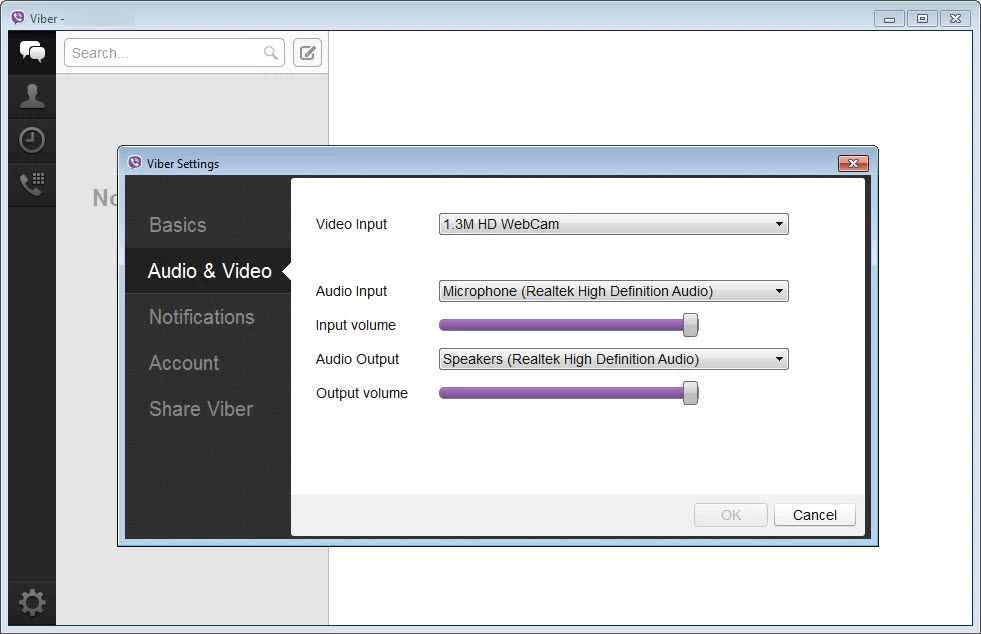
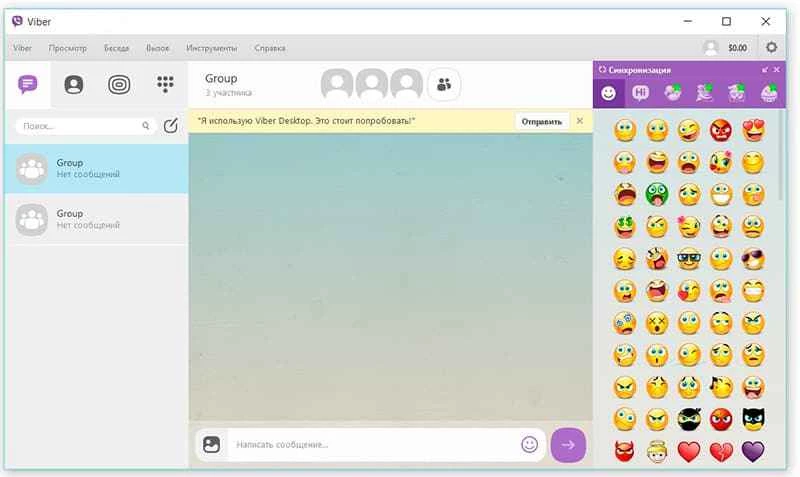
The user-friendly interface offers clean layouts to streamline your access to the entire setup, same as on your phone. You can easily access all features, including text chat or audio/video calls. You can create groups for sharing text messages, emojis, stickers, and multimedia files. The recent conversations are available on the main screen, and it also facilitates you to other features such as voice and video calls along with automated detection of webcams and microphones.
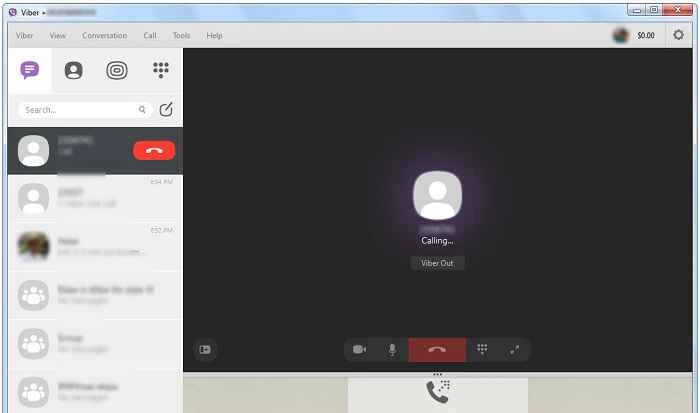
Compared to other traditional mobile calls, Viber offers free of cost services for making audio/video calls across the world. It is necessary to make free calls with people who have the Viber app installed on their device. It also allows you to send and receive text messages as well as record your messages, only connecting your device to Wi-Fi or any other network connection.
In the modern era, lots of digital apps are available over the internet while offering round-the-clock free communication services. Similarly, Viber also offers free audio and video calls, even for Windows PC. Because it offers automated detection for webcam as well as microphone, and you can reliably talk to your friends and family on a big screen.
The app offers the Viber Communities feature that allows users to create groups while adding up to 200 members. Moderate the conversations with the new administrator, and use the ‘Invite links’ feature to invite new people to your groups. The Group Admin manages the group and also allows the members to send messages, delete inappropriate messages, and even ban the nonsense members as well. It also hides the phone numbers of members to maintain privacy, and you can start private messaging with any member by clicking the profile photo.
By default, the app offers end-to-end encryption to allow users to start one-on-one conversations. The availability of disappearing messages helps users to send their most confidential documents hassle-free, as you can set a time limit that will help you to delete your message from the wall of your recipient within the selected time. You are also capable of editing or even deleting the messages that you have sent in private or group chats.
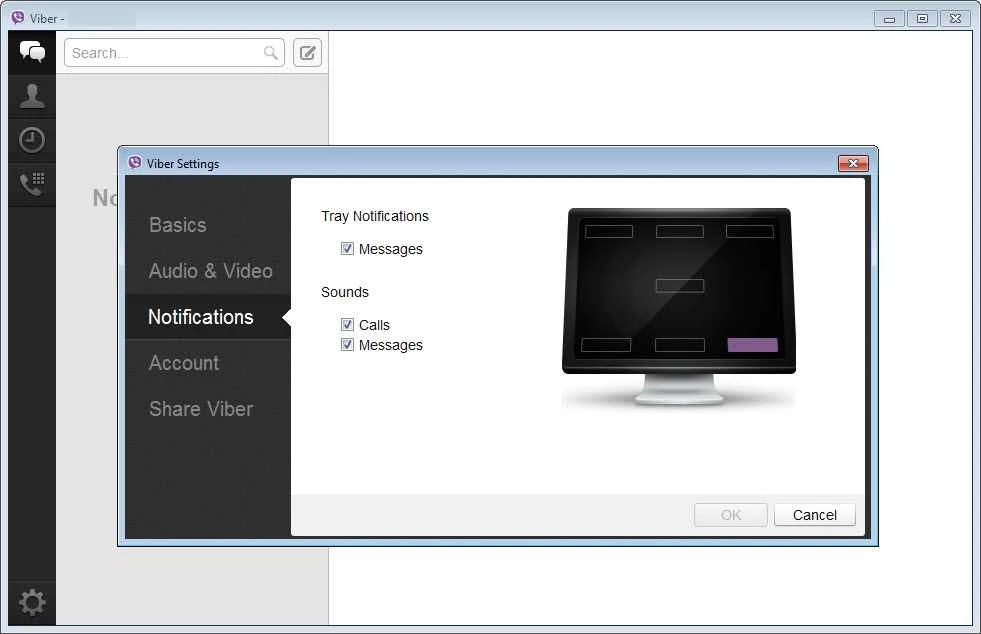
You will find a user-friendly and personalized environment with support of multiple innovative features. The support for dark mode, adjustable text size, use of GIFs or stickers, and so on helps the users to manage their chatting process in the way they like. You can customize sounds, previews, and alerts per chat while using the Notification settings.
The app is available for all types of digital devices, such as Android, iOS, tablets, Windows PCs, and so on. You can sync your chats across multiple devices to continue chatting hassle-free. The app offers quick services without any bother of creating an account or login process, simply install, scan using the QR code, and move to your chat screen.
Pros
Cons

WhatsApp for PC is the most popular web app that helps you end-to-end encryption chat and audio/video calls.

Microsoft Teams collaboration and communication tool for personal and professional use

Download Facebook Android APK on PC Windows (7/10/11) to upload and share your happy memories, photos, and videos.

Zoom App for PC get all of your co-members and students in a video conference

Discord Canary, test upcoming features before they release

Telegram Desktop is Communication app for PC. Working under the MTProto protocol.